Compress JPG Online
Compress JPG Online
Compress your JPG images instantly with up to 80% compression ratio while keeping them looking great. Perfect for websites, social media, and any platform needing optimized visuals.
Compress Your JPG Images
Upload your JPG image and select a compression level. Your image is processed entirely in memory and never stored on our servers - your privacy comes first.
See How Our Compress JPG Online Tool Reduces File Sizes
See how much file size you can save while keeping your images looking sharp
Original
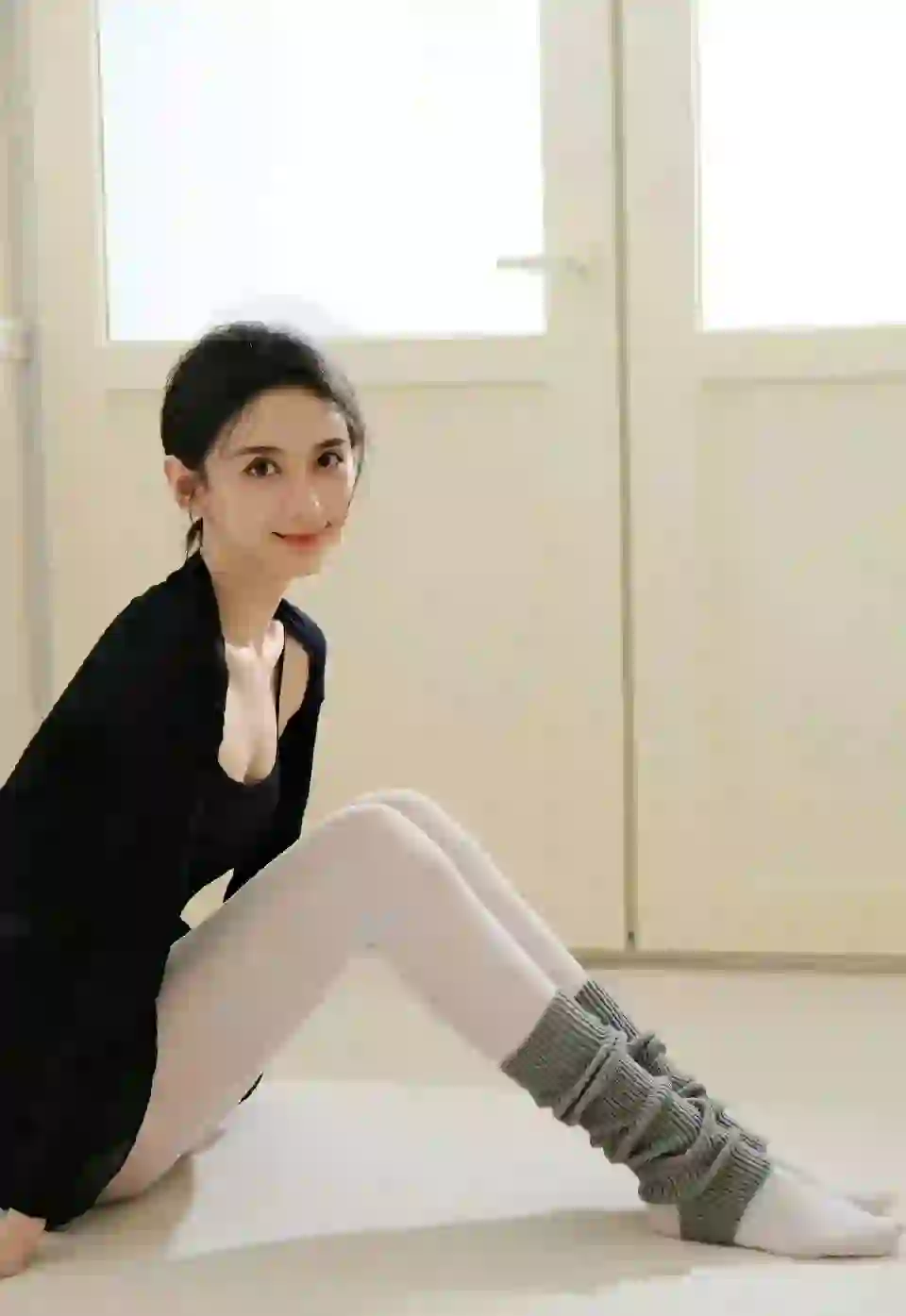
2.4 MB
Compressed
580 KB
High-Quality Graphics
Great for logos, icons, and graphics with text where quality matters most.
Original

1.8 MB
Compressed
420 KB
Website Optimization
Speed up your website with optimized images that still look great.
Original

3.2 MB
Compressed
780 KB
Social Media Ready
Share compressed images on social media and they still look great.
Why Choose Our JPG Compressor?
Compress your JPG images instantly with smart compression. Great for website performance, social media posts, and digital content.
Advanced Compression
Smart compression that shrinks JPG file sizes without losing visual quality.
Instant Results
Compress your JPG images in seconds instead of waiting for slow compression tools.
Multiple Quality Levels
Choose from 4 different compression levels to balance between file size reduction and quality retention.
Secure & Private
Your images are processed in memory and never stored on our servers - your files stay private.
For Everyone
Perfect for web developers, designers, social media users, and anyone needing optimized images.
Easy to Use
Upload, compress, and download your optimized JPG images - just a few clicks and you're done.
Color Fidelity
Our compression technology preserves JPG color quality while reducing file sizes.
How to Compress JPG Online in 3 Simple Steps
Shrink your JPG images with just a few clicks
Upload Your JPG Image
Select the JPG file you'd like to compress from your computer. Maximum file size is 10MB.
Choose Compression Level
Select from 4 compression levels to balance file size reduction and quality retention based on your needs.
Compress & Download
Our tool will compress your image in seconds. Download the optimized JPG and use it wherever you need it.
Compress JPG Online - Frequently Asked Questions
Everything you need to know about our JPG Compressor
What is a JPG compressor?
+JPG Compressor is an online tool designed to reduce the file size of JPG images while maintaining great visual quality. It uses smart compression to optimize images for faster web loading, improved storage efficiency, and better user experience across all platforms.
How does JPG compression work?
+JPG compression primarily uses the DCT (Discrete Cosine Transform) algorithm, which works through several key steps:
- Color space conversion: Converts RGB to YCbCr color space for more efficient compression
- DCT transformation: Breaks the image into blocks and applies frequency domain transformation
- Quantization: Reduces the precision of less visually important data
- Entropy coding: Uses Huffman coding to further compress the data
Our JPG compressor enhances this core algorithm with additional optimization techniques, including quality scaling, metadata stripping, and adaptive compression to achieve great compression ratios while maintaining image quality.
How long does it take to compress an image?
+JPG compression typically takes only a few seconds:
- Instant processing: Most images are compressed within seconds of upload
- Speed depends on image size and compression level: Larger images or higher compression levels may take slightly longer
- Batch processing: Process multiple images quickly without delays
Our efficient algorithm ensures fast compression while maintaining quality, saving you time and effort.
How does JPG Compressor work?
+Our JPG Compressor follows a simple process:
- Upload: Select your JPG image (maximum 10MB)
- Customize: Choose your desired compression level to balance quality and file size
- Process: Our smart compression reduces the image while preserving visual integrity
- Download: Save your optimized JPG image with significantly reduced file size
With our user-friendly interface, compressing JPG images is quick and easy!
What compression levels do you offer?
+JPG Compressor provides 4 compression levels to give you complete control over your optimization results:
- Low: Light compression with moderate size reduction. Perfect for quick processing when time is critical.
- Medium: Balanced compression. Recommended for most everyday use cases.
- High: Strong compression for smaller file sizes. Ideal for web optimization.
- Maximum: Strongest compression for the smallest file sizes.
All compression levels use smart compression, ensuring your JPG images maintain great visual quality while achieving significant file size reduction. The level you pick stays selected as you process images one after another, and you can also download an optional WebP version of the same image.
What image sizes can I compress?
+Our JPG Compressor supports a wide range of image sizes:
- Maximum file size: 10MB per image
- Resolution support: All common resolutions from small icons to large graphics
- Color support: RGB and grayscale images
For best results, we recommend resizing very large images before compression.
What applications is JPG Compressor suitable for?
+Our JPG Compressor is ideal for various applications including:
- Website and blog images for faster loading
- Social media posts and graphics
- Mobile app development assets
- Email marketing campaigns
- Any project requiring optimized JPG images
Compressed images improve user experience, reduce bandwidth usage, and boost SEO rankings.
Will compression affect my image quality?
+Our JPG Compressor is designed to maintain excellent image quality while reducing file size. We use smart compression technology that ensures:
- Best quality preservation: Your JPG images retain their visual integrity even after compression
- Color integrity: RGB values and color depth are carefully preserved
- Detail retention: Fine lines, text, and small details are maintained
- Minimal artifacts: Our algorithm minimizes compression artifacts and blurriness
You can compress your JPG images with confidence, knowing you'll get significantly smaller file sizes with minimal loss in visual quality.
How much file size reduction can I expect?
+The amount of file size reduction you'll achieve depends on several factors, including image content, original file size, and the compression level you choose. Here's what you can typically expect:
- General JPGs: 20-50% reduction in file size across most compression levels
- High-quality, unoptimized originals: Up to 70-80% reduction, especially with higher compression levels
- Detailed or already-compressed JPGs: 10-40% reduction, depending on the level of detail and color complexity
After compression, our tool displays the exact reduction percentage and file sizes (original vs. compressed) so you can see the precise results for each image.
How do I get the best results from JPG compression?
+To get the most out of our JPG Compressor, here are a few tips:
- Start with high-quality originals: Begin with the best possible source images to ensure maximum quality after compression.
- Choose the right compression level: Use Medium for a good balance of processing speed and file size reduction for most use cases.
- Use JPG for the right content: JPG format excels with photographs and images with smooth color transitions.
- Resize before compressing: For large images, consider resizing to your target dimensions before compression to maximize size reduction.
- Keep settings consistent: When compressing several similar images one after another, keep the same level selected for uniform results.
- Test different levels: Experiment with different compression levels to find the best balance for your specific project requirements.
By following these guidelines, you'll get the smallest possible file sizes while maintaining the great quality of your original images.
How do I download the compressed images?
+Downloading compressed images is quick and straightforward:
- After compression is complete, a download button appears
- Click the 'Download' button to save the compressed image
- The file is saved to your browser's default download location
- You can also right-click and choose 'Save As' to select a specific location
No extra software needed to download your compressed images!
Can I use the compressed images commercially?
+Yes! JPG Compressor does not claim any rights to your compressed images. All compressed files retain their original copyright status, meaning:
- You can use them freely in business websites and marketing campaigns
- They're perfect for social media posts, advertisements, and promotional materials
- Ideal for mobile app development, digital products, and e-commerce platforms
- Suitable for any commercial application where you hold the rights to the original images
Please note that you are solely responsible for ensuring you have the necessary rights and permissions for any images you compress and use commercially. JPG Compressor acts only as a tool to optimize your files without altering their legal status.
What file formats do you support?
+The uploader accepts these common image formats:
- JPG / JPEG: our main focus, ideal for photographs and smooth color transitions
- PNG: for images requiring transparency
- GIF and WebP images
You can download the compressed image in its original format, and an optional WebP version is offered alongside every compression. Our compression is tuned specifically for JPG images to give the best balance of file size reduction and quality preservation.
Is JPG Compressor free to use?
+Yes — it's completely free, with no account, no sign-up, and no limit on how many images you compress:
- Unlimited compressions with all 4 levels (Low through Maximum)
- Accepts JPG, JPEG, PNG, GIF, and WebP, with an optional WebP download for every image
- The only limits are per file: a 10MB maximum size, and one image is processed per run — just start the next one straight after
- A simple, ad-free user experience
What are the advantages of using JPG Compressor?
+JPG Compressor stands out from other image optimization tools with these key advantages:
- Great Compression Technology: Our smart compression delivers great file size reduction while maintaining excellent image quality
- User-Friendly Interface: Intuitive design makes compression accessible to users of all skill levels - no technical knowledge required
- Flexible Control: 4 compression levels allow you to adjust results based on your specific needs
- Quality Preservation: Our compression technology ensures your JPG images stay sharp
- Fast Processing: Most images compress within seconds, even at maximum compression levels
- Comprehensive Format Support: Compatible with JPG, PNG, GIF, and WebP images
- Free to use: No account or sign-up, with unlimited compressions
How does JPG Compressor compare with other tools like TinyPNG?
+JPG Compressor offers several advantages over popular tools like TinyPNG:
- More Compression Control: 4 adjustable compression levels (vs. limited presets) for precise optimization
- Fast processing: Most images compress within seconds
- Enhanced JPG Optimization: Specialized algorithms for JPG images to maintain quality while reducing file size
- Free to use: No account or sign-up needed, with unlimited compressions
- Quality Preservation: Our compression technology ensures your JPG images retain their visual integrity
TinyPNG is a solid choice too, but many users prefer the extra control of 4 selectable compression levels.
What makes JPG compression different from other formats?
+JPG compression is specifically designed for photographic images and offers several unique advantages:
- Higher compression ratios: JPG can achieve greater file size reduction for photographic content
- Better color handling: Optimized for smooth color transitions and gradients
- Wider compatibility: Supported by virtually all devices and platforms
- Balanced quality-to-size ratio: Offers excellent visual quality at significantly smaller file sizes
Our JPG Compressor uses these advantages with specialized algorithms to deliver great results for your photographic images.
Can I reduce image resolution with JPG Compressor?
+Currently, our JPG Compressor focuses specifically on file size reduction through compression algorithms, not on changing image resolution. To reduce resolution, we recommend resizing your image before compression using a dedicated image editing tool like Photoshop or GIMP.
How can I resize images without losing quality?
+When resizing images, especially to larger dimensions, quality loss can occur. To minimize this:
- Use high-quality original images as the starting point
- Use professional image editing software with advanced resampling algorithms (like Lanczos)
- Avoid resizing the same image multiple times
- Consider using vector graphics when possible
JPG Compressor itself reduces file size rather than resolution, so resize the image in your editor first and then compress it here.
Ready to Compress JPG Online?
Free to use — no account or sign-up needed. Compress your JPG images right now with our fast, reliable tool.