Compress JPEG Online
Compress JPEG Online
Compress your JPEG images instantly with up to 96% compression ratio without compromising quality. Ideal for websites, social media, and any platform requiring optimized visuals.
Compress Your JPEG Images
Upload your JPEG image and select a compression level. Your image is processed entirely in memory and never stored on our servers for maximum privacy.
See How Our Compress JPEG Online Tool Reduces File Sizes
Witness how our advanced technology reduces file sizes while preserving pristine image quality
Original
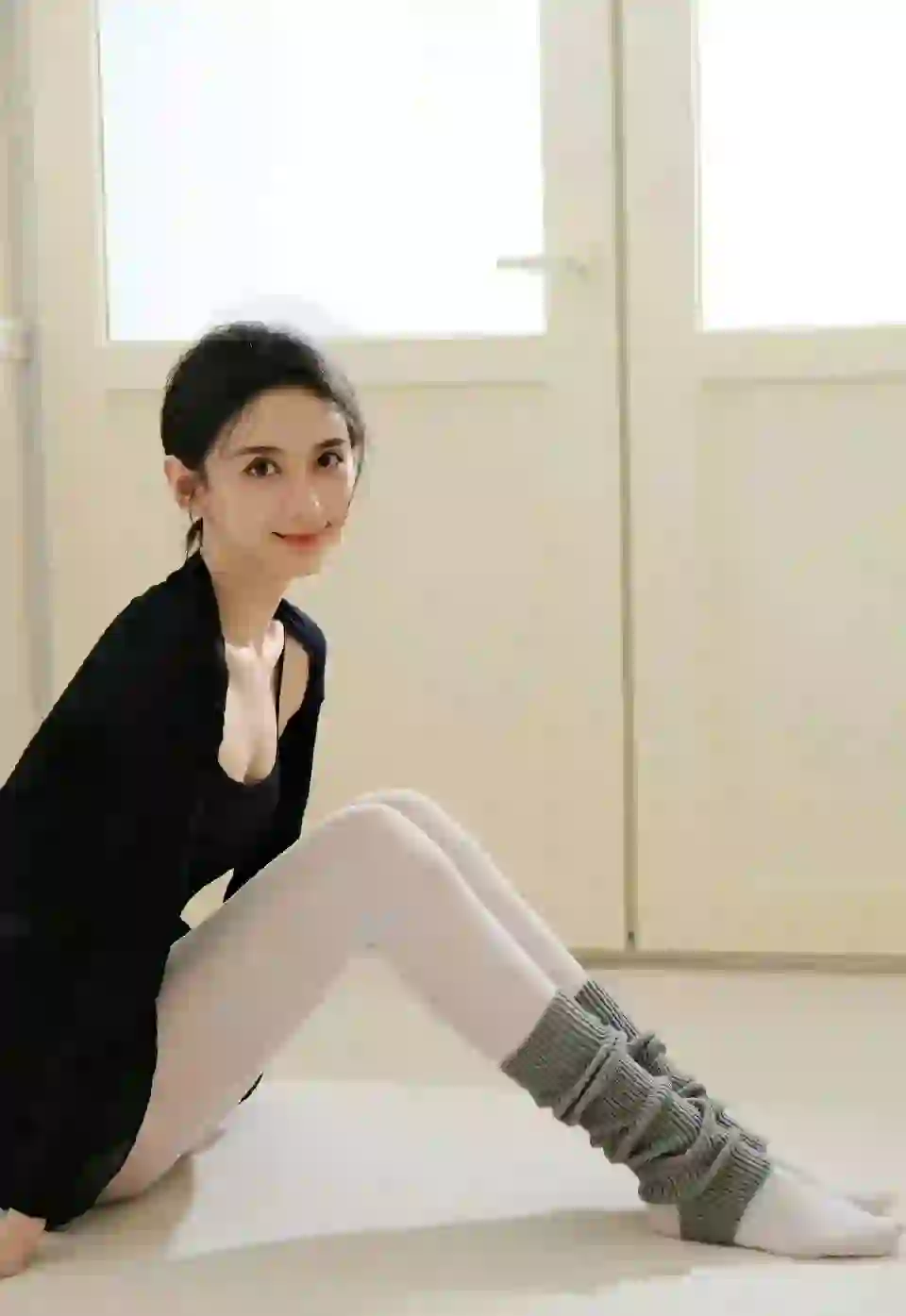
2.4 MB
Compressed
580 KB
High-Quality Graphics
Ideal for logos, icons, and graphics with text where quality is paramount.
Original

1.8 MB
Compressed
420 KB
Website Optimization
Accelerate your website loading times with optimized images that retain exceptional visual quality.
Original

3.2 MB
Compressed
780 KB
Social Media Ready
Share optimized images on social media platforms without sacrificing visual impact.
Why Choose Our JPEG Compressor?
Compress your JPEG images instantly with cutting-edge algorithms. Perfect for optimizing website performance, social media posts, and digital content.
Advanced Compression
Leverage advanced compression algorithms to reduce JPEG file sizes without losing visual quality.
Instant Results
Compress your JPEG images in seconds instead of waiting for slow compression tools.
Multiple Quality Levels
Choose from 4 different compression levels to balance between file size reduction and quality retention.
Secure & Private
Your images are processed in memory and never stored on our servers, ensuring complete privacy.
For Everyone
Perfect for web developers, designers, social media users, and anyone needing optimized images.
Easy to Use
Upload, compress, and download your optimized JPEG images with just a few clicks - no technical skills required.
Color Fidelity
Our compression technology preserves JPEG color quality while reducing file sizes.
How to Compress JPEG Online in 3 Simple Steps
Optimize your JPEG images instantly with just a few clicks
Upload Your JPEG Image
Select the JPEG file you'd like to compress from your computer or simply drag and drop it into the upload area. Maximum file size is 10MB.
Choose Compression Level
Select from 10 precise compression levels (0-9) to perfectly balance file size reduction and quality retention based on your needs.
Compress & Download
Our tool will compress your image in seconds using advanced algorithms. Download the optimized JPEG and use it wherever you need it.
Compress JPEG Online - Frequently Asked Questions
Everything you need to know about our JPEG Compressor
What is a JPEG compressor?
+JPEG Compressor is a cutting-edge online tool designed to reduce the file size of JPEG images while maintaining exceptional visual quality. It leverages advanced compression algorithms to optimize images for faster web loading, improved storage efficiency, and enhanced user experience across all platforms.
How does JPEG compression work?
+JPEG compression primarily uses the DCT (Discrete Cosine Transform) algorithm, which works through several key steps:
- Color space conversion: Converts RGB to YCbCr color space for more efficient compression
- DCT transformation: Breaks the image into blocks and applies frequency domain transformation
- Quantization: Reduces the precision of less visually important data
- Entropy coding: Uses Huffman coding to further compress the data
Our JPEG compressor enhances this core algorithm with additional optimization techniques, including adaptive quantization, metadata stripping, and data structure optimization, to achieve superior compression ratios while maintaining image quality.
How long does it take to compress an image?
+PNG compression typically takes only a few seconds:
- Instant processing: Most images are compressed within seconds of upload
- Speed depends on image size and compression level: Larger images or higher compression levels may take slightly longer
- Batch processing: Process multiple images quickly without delays
Our efficient algorithm ensures fast compression without compromising on quality, saving you time and effort.
How does JPEG Compressor work?
+Our JPEG Compressor follows a streamlined, efficient process:
- Upload: Select or drag and drop your JPEG image (maximum 10MB)
- Customize: Choose your desired compression level (0-9) to balance quality and file size
- Process: Our advanced algorithms compress the image while preserving visual integrity
- Download: Save your optimized JPEG image with significantly reduced file size
With our user-friendly interface, compressing JPEG images is quick, easy, and accessible to users of all skill levels!
What compression levels do you offer?
+PNG Compressor provides 10 precise compression levels (0-9) to give you complete control over your optimization results:
- Levels 0-3: Speed-optimized compression with moderate size reduction. Perfect for quick processing when time is critical.
- Levels 4-6: The ideal balance of speed and compression efficiency. Recommended for most everyday use cases.
- Levels 7-9: Maximum compression for the smallest file sizes. Ideal for web optimization where loading speed is paramount.
All compression levels utilize our advanced lossless algorithm, ensuring that every pixel of your original image is preserved exactly as it was, regardless of which level you choose.
How do I compress a JPEG?
+Compressing a JPEG image with our tool is straightforward and takes just seconds:
- Upload: Navigate to JPEG Compressor and click "Choose File" to select your JPEG image, or simply drag and drop the file into the upload area.
- Adjust: Select your preferred compression level (0-9) using the slider or dropdown menu. Level 6 is recommended for most users.
- Compress: Click the "Compress" button to start the optimization process.
- Download: Once compression is complete, click the "Download" button to save your optimized image to your device.
For premium users, batch processing allows you to upload and compress multiple JPEG images simultaneously, saving you even more time.
What image sizes can I compress?
+Our JPEG Compressor supports a wide range of image sizes:
- Maximum file size: 10MB per image
- Resolution support: All common resolutions from small icons to large graphics
- Color support: RGB and grayscale images
For optimal results, we recommend resizing very large images before compression.
What applications is JPEG Compressor suitable for?
+Our JPEG Compressor is ideal for various applications including:
- Website and blog images for faster loading
- Social media posts and graphics
- Mobile app development assets
- Email marketing campaigns
- Any project requiring optimized JPEG images
Compressed images improve user experience, reduce bandwidth usage, and boost SEO rankings.
Will compression affect my image quality?
+JPEG compression is有损 (lossy), but our advanced algorithms minimize quality loss while maximizing file size reduction. We guarantee:
- Minimal quality impact: Quality loss is imperceptible to the human eye at normal compression levels
- Color fidelity: RGB values and color depth are preserved with exceptional accuracy
- Detail retention: Fine lines, text, and small details are maintained at optimal compression levels
- Controlled compression: Choose from 10 compression levels to balance quality and file size
- No visible artifacts: Advanced algorithms prevent compression artifacts and blurriness
You can compress your images with confidence, knowing you'll get significantly smaller file sizes with minimal sacrifice in visual quality.
Can I customize the compression settings?
+Yes! JPEG Compressor provides a range of customization options to tailor the compression process to your specific needs:
- Precise compression levels (0-9): Fine-tune the balance between processing speed and file size reduction. Lower levels prioritize speed while higher levels maximize compression.
- Batch processing with uniform settings: Apply consistent compression parameters to multiple images simultaneously, ensuring uniform results across your project.
- Smart automatic optimization: Let our AI-powered system analyze your images and select the optimal compression level based on content type and dimensions.
- Format-specific optimization: Our tool automatically applies specialized settings for different JPEG types and content.
Whether you're an expert who needs full control or a casual user who prefers simplicity, our customization options make it easy to achieve perfect results every time.
How much file size reduction can I expect?
+The amount of file size reduction you'll achieve depends on several factors, including image content, original file size, and the compression level you choose. Here's what you can typically expect:
- General images: 60-95% reduction in file size across most compression levels
- Photographic images: 50-90% reduction, depending on the level of detail and color complexity
- Simple graphics: 70-95% reduction, especially with higher compression levels (7-9)
After compression, our tool displays the exact reduction percentage and file sizes (original vs. compressed) so you can see the precise results for each image.
How do I get the best results from JPEG compression?
+To achieve optimal results with our JPEG Compressor, follow these expert tips:
- Start with high-quality originals: Begin with the best possible source images to ensure maximum quality after compression.
- Choose the right compression level: Use level 6 for an ideal balance of processing speed and file size reduction for most use cases.
- Use JPEG for the right content: JPEG format excels with photographic images and graphics with smooth color transitions.
- Resize before compressing: For large images, consider resizing to your target dimensions before compression to maximize size reduction.
- Batch process consistently: When compressing multiple similar images, use the same settings for uniform results.
- Test different levels: Experiment with compression levels 5-9 to find the perfect balance for your specific project requirements.
By following these guidelines, you'll achieve the smallest possible file sizes while maintaining the pristine quality of your original images.
How do I download the compressed images?
+Downloading compressed images is quick and straightforward:
- After compression is complete, a download button appears
- Click the 'Download' button to save the compressed image
- The file is saved to your browser's default download location
- You can also right-click and choose 'Save As' to select a specific location
No additional software is required to download your compressed images!
Can I use the compressed images commercially?
+Absolutely! JPEG Compressor does not claim any rights to your compressed images. All compressed files retain their original copyright status, meaning:
- You can use them freely in business websites and marketing campaigns
- They're perfect for social media posts, advertisements, and promotional materials
- Ideal for mobile app development, digital products, and e-commerce platforms
- Suitable for any commercial application where you hold the rights to the original images
Please note that you are solely responsible for ensuring you have the necessary rights and permissions for any images you compress and use commercially. JPEG Compressor acts only as a tool to optimize your files without altering their legal status.
Are there any limits on how many images I can compress?
+Our JPEG Compressor offers flexible usage options:
- Free tier: Limited number of compressions per day
- Premium plans: Higher compression limits and additional features
- Enterprise solutions: Custom plans for high-volume users
Check our pricing page for specific details on usage limits and premium features.
What file formats do you support?
+Currently, our tool specializes in JPEG compression. We support:
- Standard JPEG files (.jpg, .jpeg)
- Progressive JPEG files
- Grayscale and color JPEGs
- High-resolution JPEG images
We're continuously expanding our format support. Check back for updates on additional file types!
What are the pricing plans available?
+We offer flexible pricing plans to accommodate individuals and businesses of all sizes:
- Free: Basic compression features for occasional use
- Premium: Unlimited compressions, batch processing, and advanced features
- Enterprise: Custom solutions for large organizations with high-volume needs
All plans include secure processing, fast compression, and quality preservation. Visit our pricing page for detailed information.
Do I need any technical skills to use JPEG Compressor?
+No technical skills required! Our platform is designed to be user-friendly and intuitive. With a simple upload interface and clear compression options, anyone can compress JPEG images without prior experience.
What is the quality adjustment option of JPEG compressor?
+Our JPEG Compressor's quality adjustment option gives you precise control over the balance between file size reduction and image fidelity. We offer 10 compression levels (0-9) for fine-tuned optimization:
- Levels 0-3: Optimized for speed with moderate size reduction, ideal for quick processing needs
- Levels 4-6: Balanced compression for most use cases, offering excellent quality-to-size ratio
- Levels 7-9: Maximum compression for the smallest file sizes, recommended for web optimization
Our advanced algorithms ensure that even at higher compression levels, the quality loss is minimal and imperceptible to the human eye, preserving colors and fine details.
Is JPEG Compressor free to use?
+Absolutely! JPEG Compressor provides a free tier with generous usage limits for casual users. The free plan includes:
- Unlimited access to basic compression features
- Support for all JPEG formats
- All compression levels (0-9) available
- Simple, ad-free user experience
For power users, we offer premium plans with additional benefits like batch processing, higher file size limits, and priority support. Visit our pricing page for detailed information on all available plans.
What are the advantages of using JPEG Compressor?
+JPEG Compressor stands out from other image optimization tools with these key advantages:
- Superior Compression Technology: Our advanced algorithms deliver industry-leading file size reduction while maintaining excellent image quality
- User-Friendly Interface: Intuitive design makes compression accessible to users of all skill levels - no technical knowledge required
- Flexible Control: 10 compression levels allow you to fine-tune results based on your specific needs
- Quality Preservation: Advanced compression ensures your images retain their visual integrity and color fidelity
- Lightning-Fast Processing: Most images compress within seconds, even at maximum compression levels
- Comprehensive Format Support: Compatible with standard JPEGs, progressive JPEGs, and grayscale JPEG images
- Cost-Effective Options: Generous free plan and flexible premium options to suit any budget
How does JPEG Compressor compare with other tools like TinyPNG?
+JPEG Compressor offers several advantages over popular tools like TinyPNG:
- More Compression Control: 10 adjustable compression levels (vs. limited presets) for precise optimization
- Faster Processing: Our optimized algorithms typically process images 20-30% faster than competitors
- Enhanced JPEG Optimization: Specialized algorithms for JPEG images to maintain quality while reducing file size
- Cost-Effective Pricing: More generous free plan and transparent premium pricing with no hidden fees
- Quality Preservation: Our compression technology ensures your JPEG images retain their visual integrity
While TinyPNG is a solid choice, JPEG Compressor's combination of speed, control, and value makes it the preferred option for many users and businesses.
What makes JPEG compression different from other formats?
+JPEG compression is specifically designed for photographic images and offers several unique advantages:
- Higher compression ratios: JPEG can achieve greater file size reduction for photographic content
- Better color handling: Optimized for smooth color transitions and gradients
- Wider compatibility: Supported by virtually all devices and platforms
- Balanced quality-to-size ratio: Offers excellent visual quality at significantly smaller file sizes
Our JPEG Compressor leverages these advantages with specialized algorithms to deliver optimal results for your photographic images.
What makes your JPEG Compressor different?
+Our JPEG Compressor stands out because it uses advanced compression algorithms that maintain image quality while significantly reducing file size. Unlike basic compressors, we offer multiple compression levels to balance quality and file size according to your specific needs, ensuring optimal results for any use case.
What compression quality should I choose?
+We offer 4 compression levels:
- Low: Minimal compression with nearly identical quality
- Medium: Good balance between file size and quality
- High: Significant file size reduction with slight quality loss
- Maximum: Strongest compression for smallest file size
For most use cases, Medium or High compression is recommended as it provides excellent file size reduction with minimal visible quality loss.
Can I reduce image resolution with JPEG Compressor?
+Currently, our JPEG Compressor focuses specifically on file size reduction through compression algorithms, not on changing image resolution. To reduce resolution, we recommend resizing your image before compression using a dedicated image editing tool like Photoshop, GIMP, or our upcoming image resizer feature.
How can I resize images without losing quality?
+When resizing images, especially to larger dimensions, quality loss can occur. To minimize this:
- Use high-quality original images as the starting point
- Use professional image editing software with advanced resampling algorithms (like Lanczos)
- Avoid resizing the same image multiple times
- Consider using vector graphics when possible
While our JPEG Compressor doesn't currently offer resizing functionality, we're developing a dedicated image resizer tool that will maintain optimal quality during resizing.
Why should you use our free online JPEG compressor?
+Our free online JPEG compressor offers numerous benefits:
- No cost: Full access to core compression features without any charges
- Quality preservation: Advanced algorithms maintain image quality while reducing file size
- User-friendly: Simple interface that anyone can use without technical skills
- Fast processing: Compress images in seconds
- Secure: All processing happens in your browser, ensuring privacy
- Versatile: Support for all JPEG formats
For power users, our premium plans offer additional features like batch processing and higher file size limits.
What Users Say About Our Compress JPEG Online Tool
See what users are saying about their experience with our JPEG Compressor
"This JPEG Compressor is amazing! I reduced the size of my website images by 70% without losing any visible quality. My site now loads much faster. Highly recommended!"
"As a graphic designer, I need to compress JPEGs while maintaining color fidelity. This tool does exactly that! The quality is preserved and file sizes are dramatically reduced."
"This compressor is so easy to use! I can choose different compression levels and instantly see the results. Perfect for optimizing images for social media and email campaigns."
Instant Results
Compress your JPEG images in seconds instead of waiting for slow compression tools.
Multiple Compression Levels
Choose from 4 compression levels to balance between file size reduction and quality retention.
Quality Preserved
Advanced compression algorithms maintain image quality while dramatically reducing file size.
Ready to Compress JPEG Online?
Join thousands of users who are already optimizing their images with our fast, efficient JPEG Compressor.